Your Workflow Engine for Design Collaboration
Share your 2D and 3D design files, collect feedback in one place, and get to approval faster.
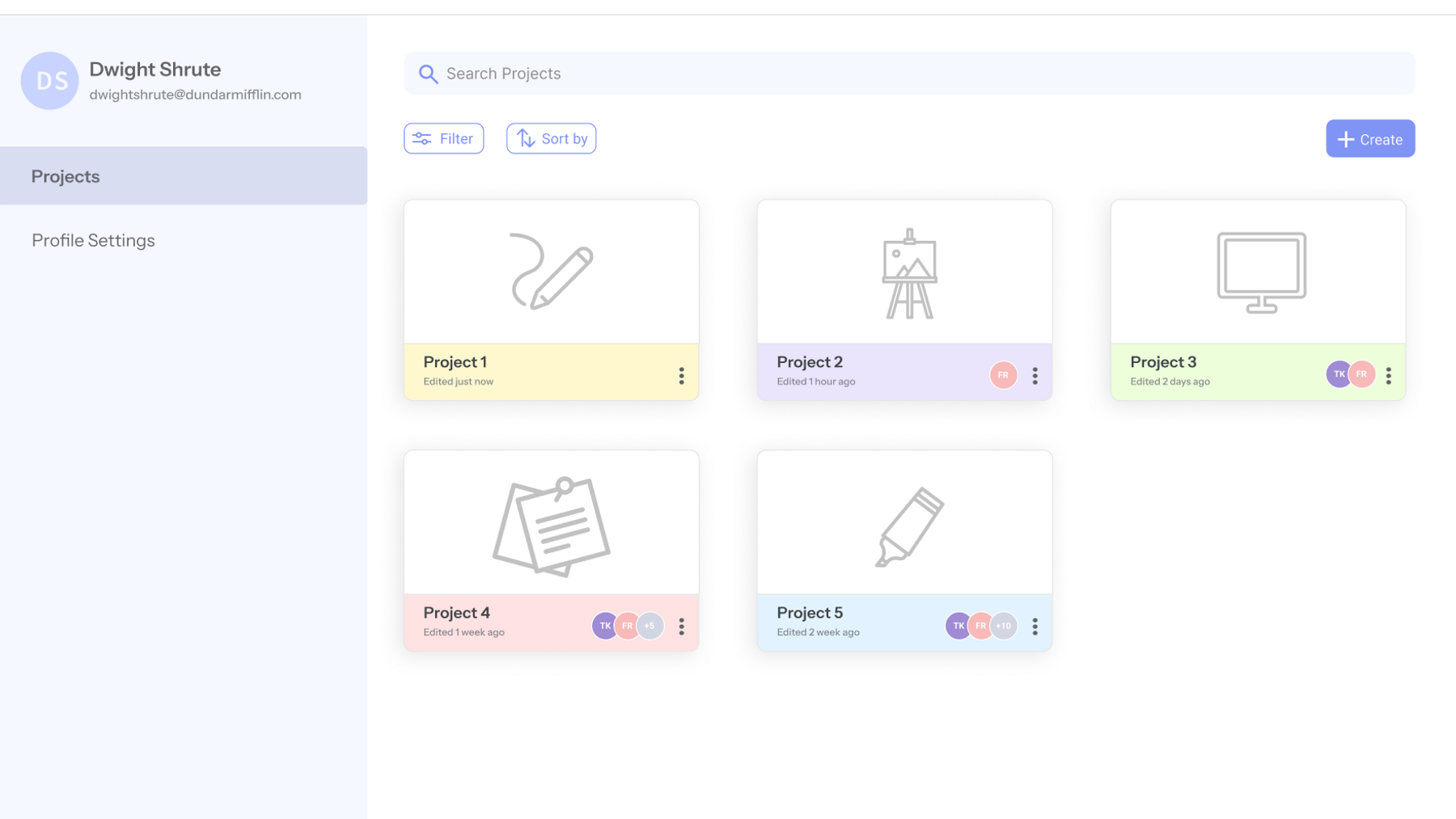

Upload
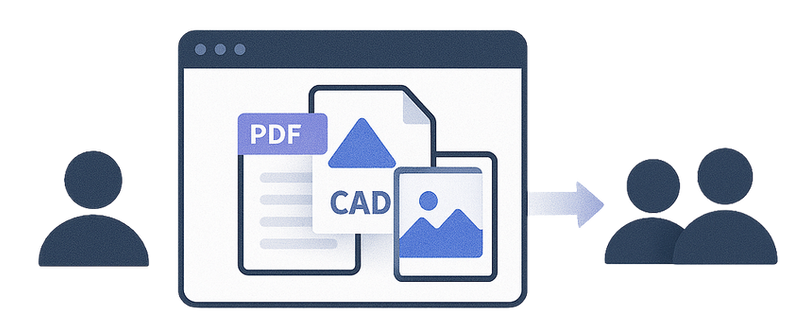
Upload any 2D or 3D CAD model, PDF, and PNG files

View
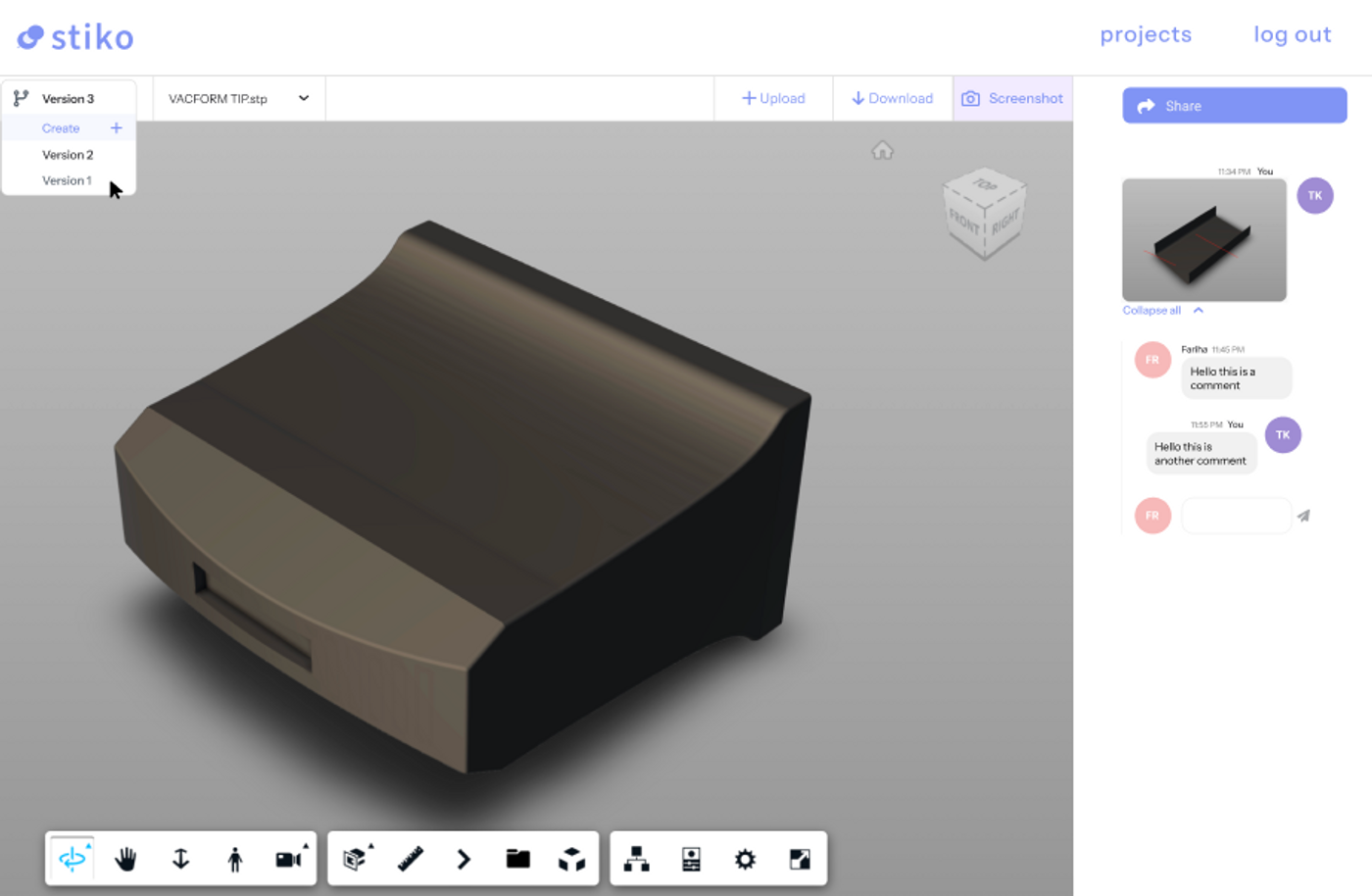
View the uploaded CAD models, PDF, and PNG files in one platform

Markup
Use multiple tools to edit, comment, markup on all files

Share
Share all files with your team members and clients

Feedback
Receive feedback from all parties and iterate with version control
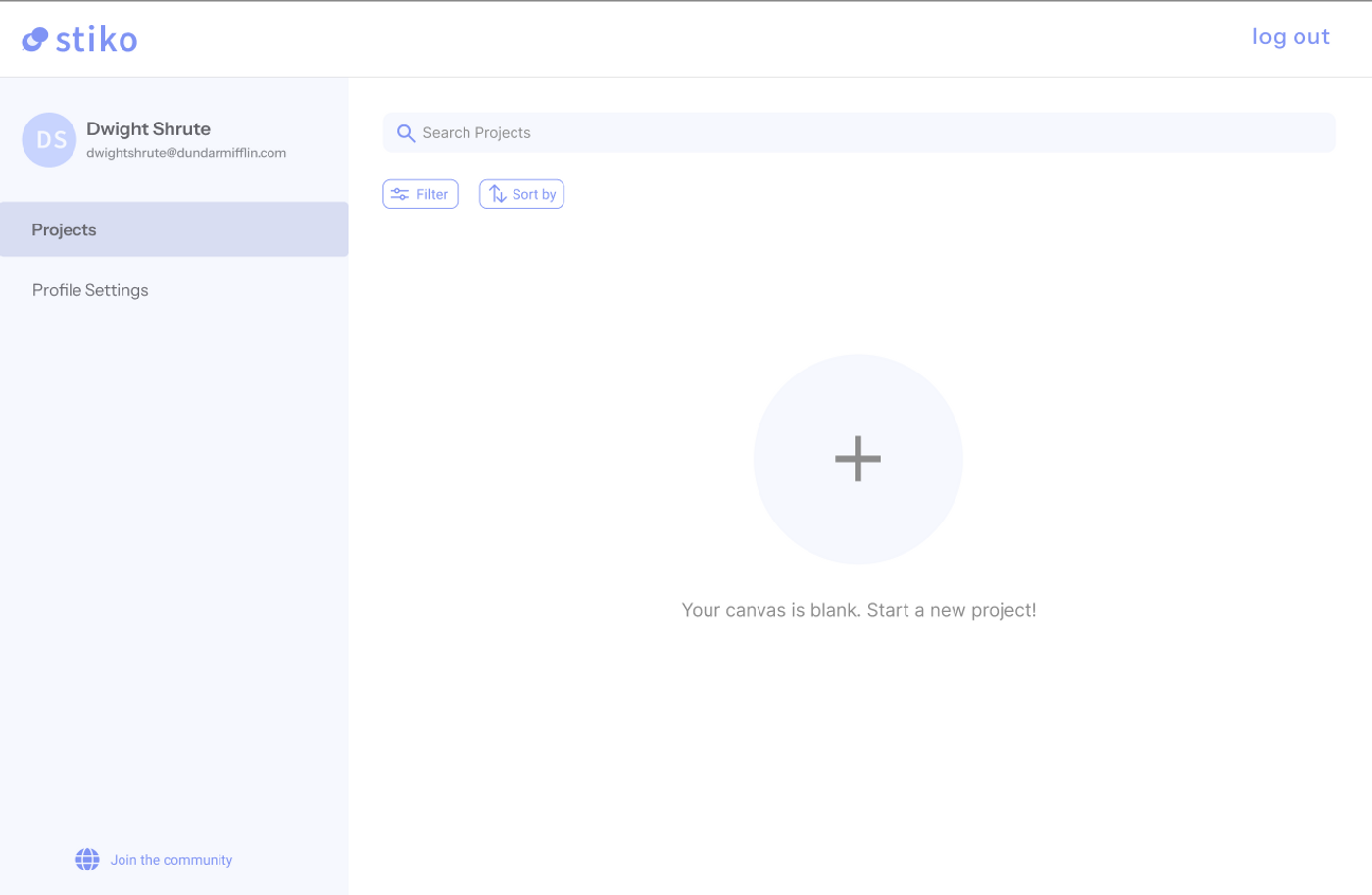
Upload Every Design File You Use
Over 70 file types, including native 2D and 3D formats.
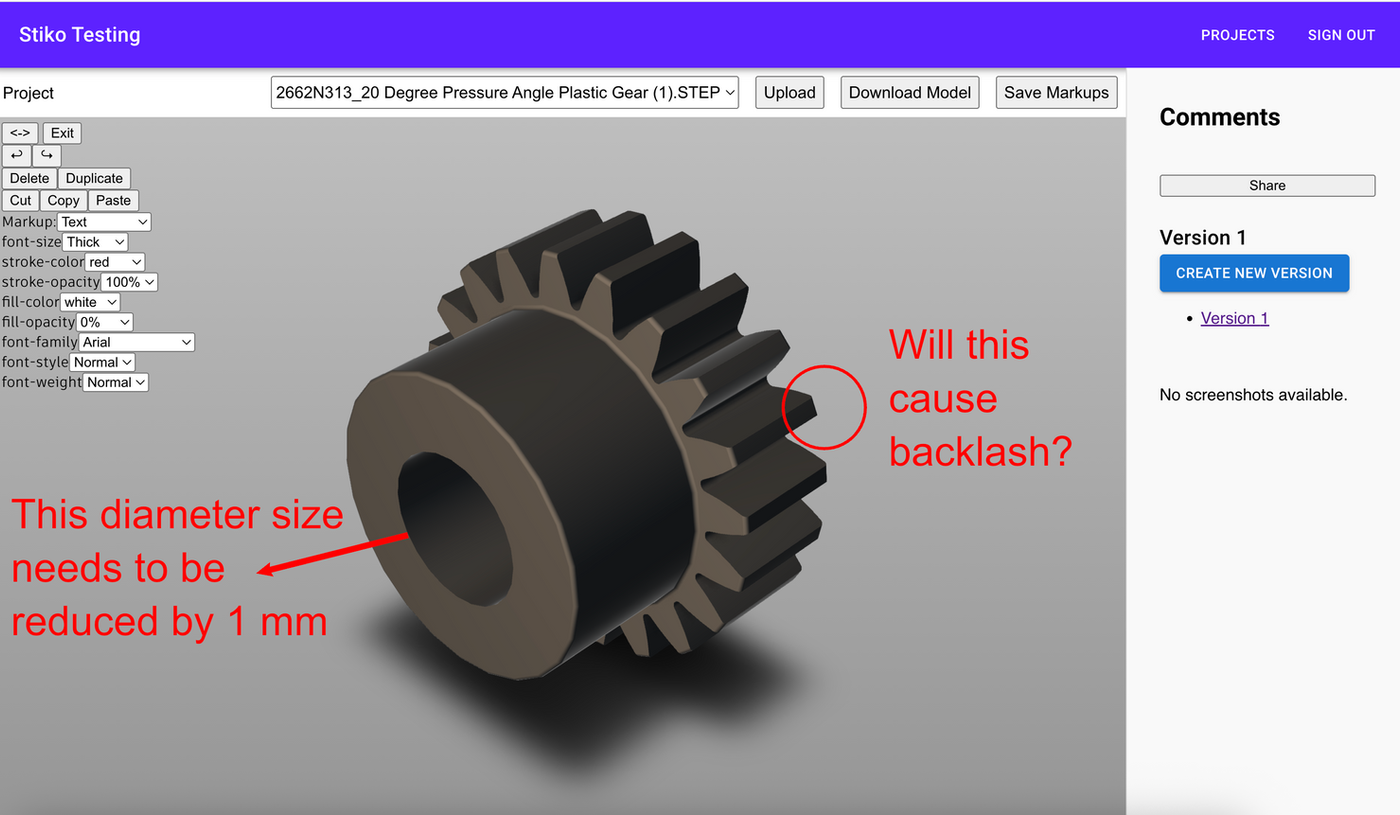
Markup and Comment on 2D & 3D files
Redline drawings and pin comments straight onto CAD models, PDFs and images.
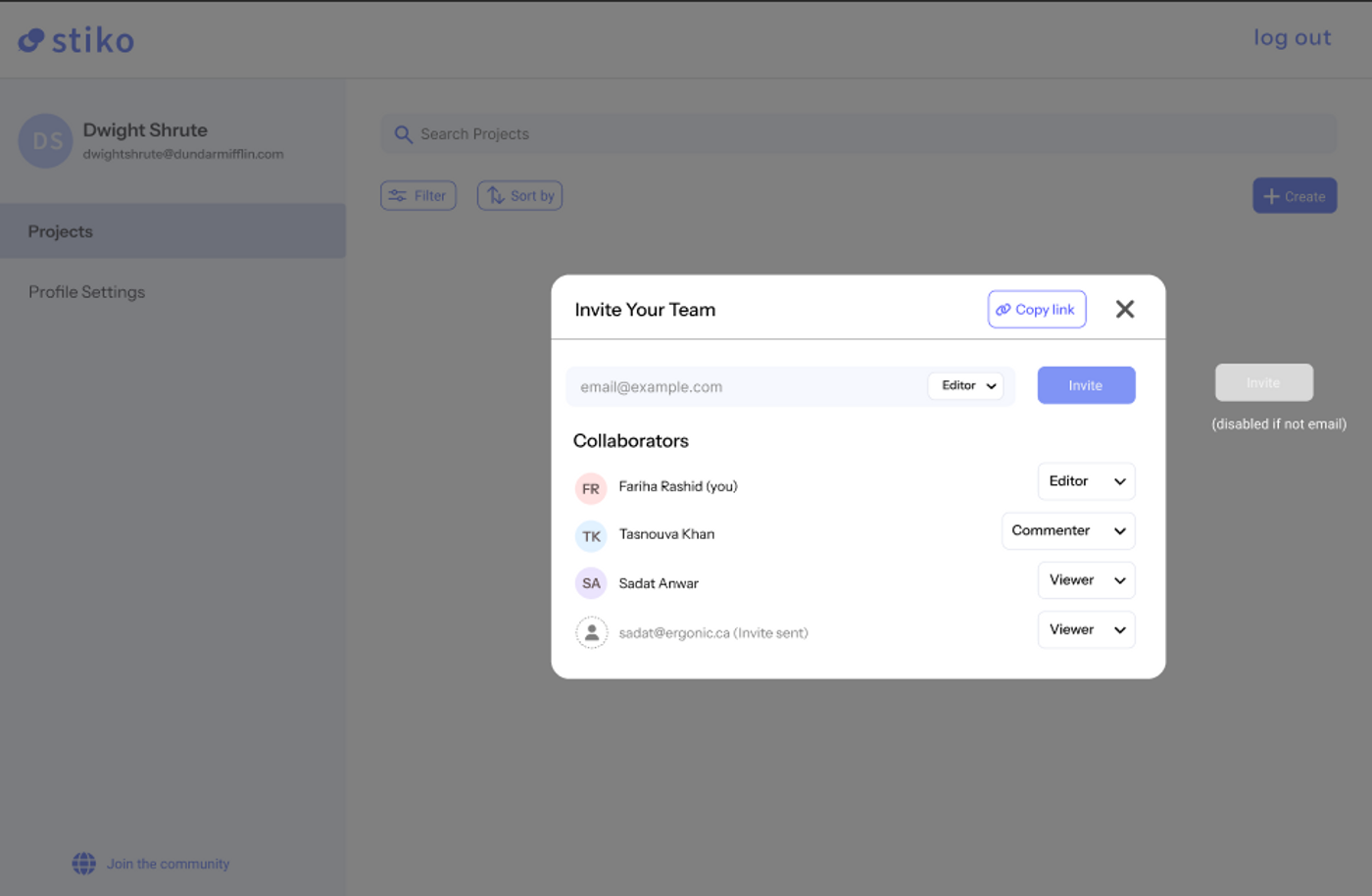
Share Files and Feedback in One Click
One link, one place. No cluttered threads or scattered attachments.
Centralize All Your Feedback & Version Control
Compare versions and gather every stakeholder's feedback in one place.
Design review, made simple

Faster design reviews
Comments, markups and versions all in one place.
Work with external teams
Share the right files, and control who sees what.
Less rework, lower cost
Catch misalignment before it reaches the site.
Records ready for handoff
Every version, comment and approval, captured as you work.
Why Design Collaboration Feels Broken Today
hours/week of work time is spent on communicating or interacting with project stakeholders
project teams experience costly delays due to mismanaged version control and disorganized file tracking
different platforms are used to manage communication and collaboration with stakeholders
Send your design work to clients and team for feedback, all in one platform
Frequently Asked Questions
+
Can I upload all file types together in a single upload?
Yes. Drop 2D drawings, 3D models, PDFs and images into the same package in one go — folders keep their structure, and the package is named from your files.
Is there a maximum file size limit?
Large models and drawing sets upload straight to secure storage rather than through the app, so heavy CAD files don't need to be split, zipped or trimmed down first.
Can I share files with anyone?
Yes — invite people by email, or send a share link. They land straight on the file in their browser, with no CAD software to install.
What capabilities does a recipient have when project files are shared with them?
It depends on the role you give them. A viewer can look at the files, a commenter can add markups and comments, and an uploader can submit files of their own. Downloading is granted per person.
What is the benefit of submitting project files in stiko instead of email?
Email scatters a review across attachments and threads. In stiko the files, the markups and the version history live in one place, so nobody has to work out which attachment was current.
What does version control look like in stiko?
Each publish becomes a numbered version with its own changelog, files and comments. Version numbers are never reused, so a reference to V2 always means the same set of drawings.
How does markup and commenting work in stiko?
Click anywhere on a drawing or model and leave a comment pinned to that exact spot, with annotation tools for redlining. Replies thread under the pin, so the conversation stays attached to what it's about.
How secure is file sharing in stiko?
Access is decided per person and per package: their role, whether they can download, and which versions they're allowed to see. Anything outside that simply isn't there for them.
Does stiko keep track of who made changes or left feedback?
Yes. Every version, file and comment carries who added it and when, so the record is already there when you need it for an audit or a handoff.
Do recipients need an account to access shared files?
Viewers don't — a share link opens the package straight away. People who need to comment or upload sign in once from their invite, so their contributions are attributable.